Walk into any cloud-native engineering org and you'll hear "cloud cost management" and "Kubernetes cost optimization" used as if they mean the same thing. They don't. They solve different problems, at different layers of your stack, with different tools — and confusing them is exactly why so many teams have a tidy cloud budget dashboard and still can't explain why one namespace quietly doubled their EKS bill last quarter.
This guide draws a clear line between the two. You'll see what each discipline actually covers, why account-level cost tools go blind the moment spend crosses into a Kubernetes cluster, and why the smartest teams treat them not as an either/or choice but as two layers of the same stack. We'll use two real products to make the layers concrete: SpendZero for whole-account cloud cost management, and Atmosly for in-cluster Kubernetes cost optimization.
What Is Cloud Cost Management?
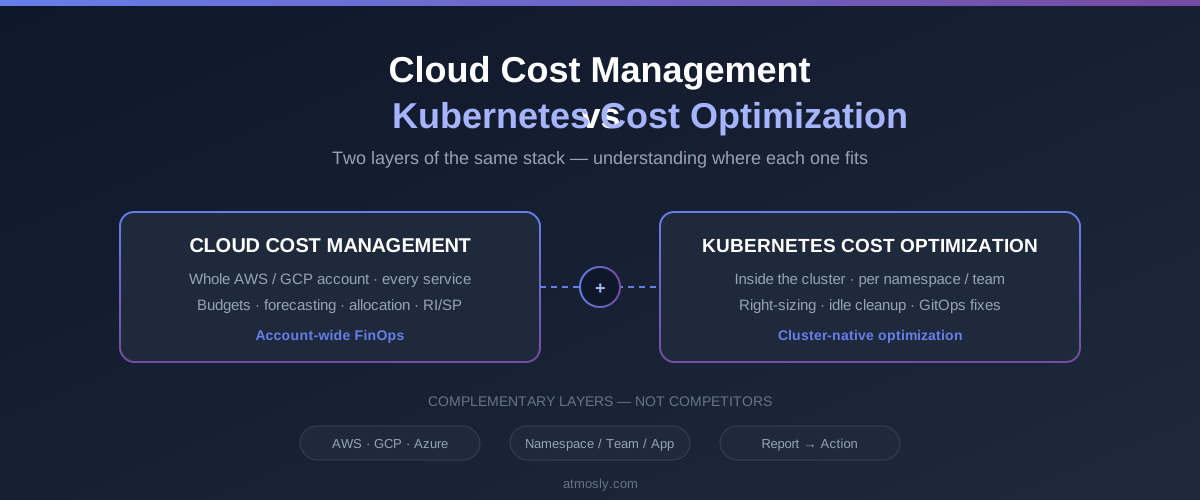
Cloud cost management is the account-wide financial discipline of understanding, allocating, and governing everything you spend across a cloud provider. It's the umbrella layer: every compute instance, every storage bucket, every managed database, every gigabyte of data transfer, every Reserved Instance and Savings Plan — all of it, rolled up, attributed, budgeted, and governed.
What it covers
At this layer you care about questions like: What did the whole AWS or GCP account cost this month? Which business unit or product owns which slice? Are we on track against budget? Where are we paying for resources nobody uses? Where should we commit to Reserved Instances or Savings Plans to lock in discounts? This is the world of FinOps — cross-functional financial governance that spans engineering, finance, and leadership. Native tooling like AWS Cost Explorer lives here, alongside dedicated platforms.
The waste at this layer is mostly resources that shouldn't exist: RDS databases running 24/7 with zero connections, EC2 instances sitting at 1–2% CPU, unattached EBS volumes from long-deleted machines, orphaned snapshots, idle NAT gateways, unused Elastic IPs. None of it lives inside a cluster. All of it is on your bill.
Where SpendZero fits
SpendZero is SquareOps' cloud cost optimization platform. It connects to your AWS and GCP accounts with read-only credentials — no agents to install — and runs automated checks across compute, database, storage, and network to find exactly that kind of waste, with estimated monthly savings attached to each finding. It also covers the account-level levers Kubernetes tooling never sees: full cloud inventory across regions and accounts, cost dashboards and trends, budget alerts, and Reserved Instance / Savings Plan gaps. And it doesn't stop at a report — you can act on findings directly, with confirmation and an audit trail.
If your question is "what is our total cloud bill doing, where is the waste, and who owns it," this is the layer that answers it.
What Is Kubernetes Cost Optimization?
Kubernetes cost optimization is a narrower, deeper discipline: reducing the cost of the workloads running inside your clusters. It lives one level down from the cloud bill, in the world of pods, nodes, namespaces, requests and limits — the place where a lot of cloud waste is actually created.
What it covers
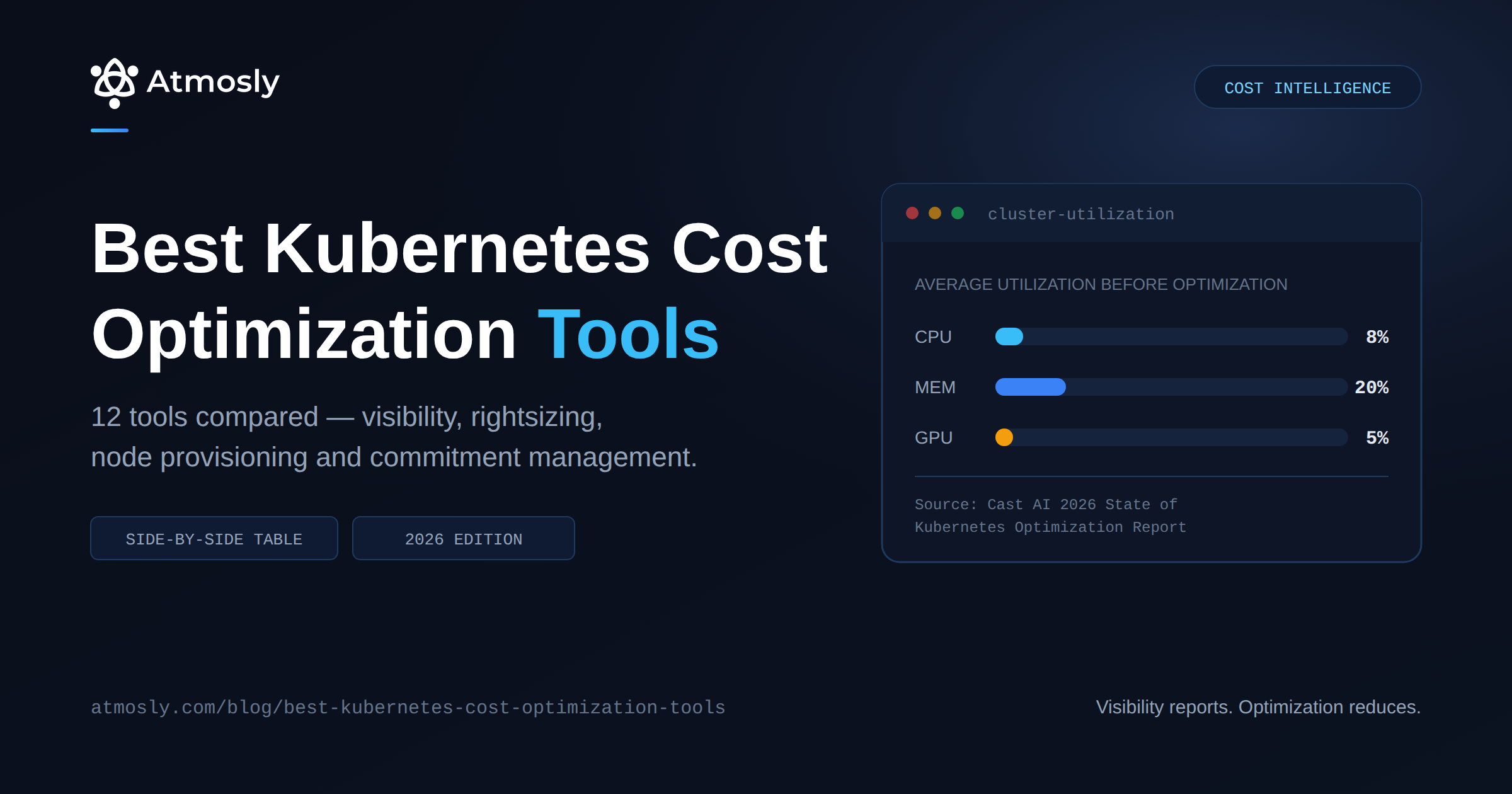
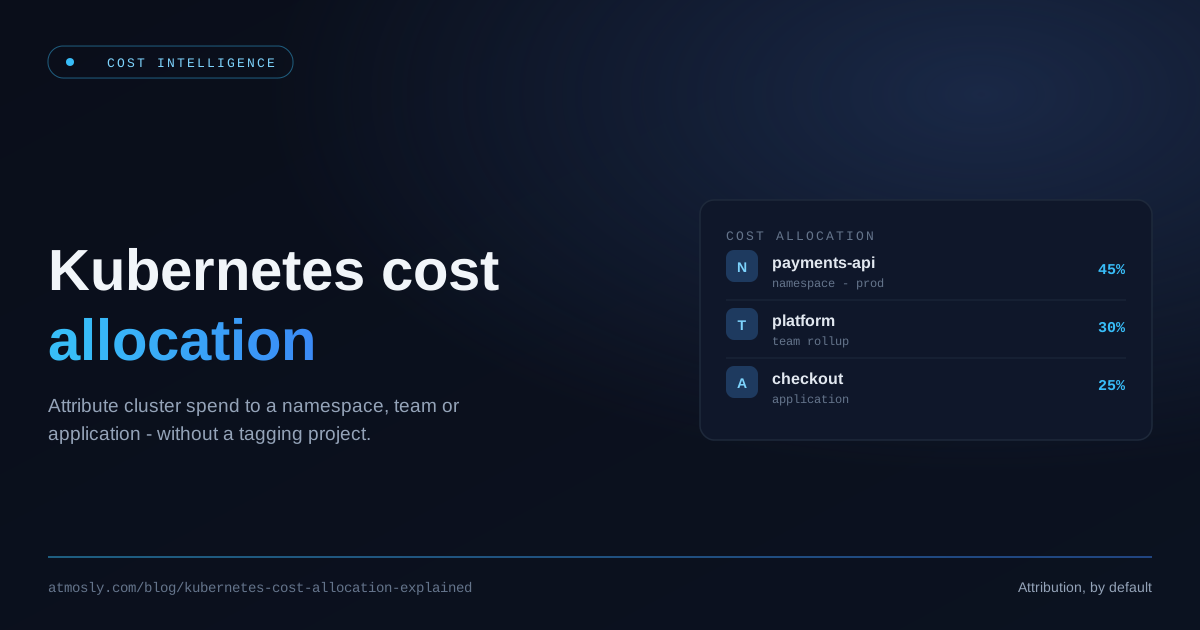
Right-sizing over-provisioned pods so you stop paying for CPU and memory nobody uses. Improving bin-packing so nodes run at healthy utilization instead of 25%. Attributing cost per namespace, team, or application. Moving suitable workloads to spot capacity. Detecting idle deployments and unattached persistent volumes. Scaling non-production environments down after hours. These are cluster-native levers — most have no equivalent button in an account-level cost tool, and they start with getting Kubernetes requests and limits right.
Why it's a separate discipline
The reason it's separate is simple: the cloud provider bills you for a node, but your engineers think in pods and namespaces. A single node runs dozens of pods from different teams. Optimizing at the node level without understanding what's inside it is guesswork. Kubernetes cost optimization is the practice of closing that gap — see the Atmosly guide to data-driven right-sizing for the mechanics.
Cloud Cost Management vs Kubernetes Cost Optimization: The Key Differences
Here's the distinction at a glance:
| Dimension | Cloud Cost Management | Kubernetes Cost Optimization |
|---|---|---|
| Scope | Entire cloud account, all services | Inside the cluster — pods, nodes, namespaces |
| Granularity | Resource / service / account / tag | Namespace / workload / team / pod |
| Typical waste | Resources that shouldn't exist — idle DBs, unattached volumes, orphaned snapshots | Resources sized wrong — over-provisioned pods, poor bin-packing, idle deployments |
| Typical levers | Delete, stop, resize, RI/SP commitments, budgets | Right-sizing, bin-packing, spot, idle cleanup |
| How fixes are applied | Directly against cloud resources, with an audit trail | As a GitOps pull request against your manifests |
| Blind spot | Can't see inside a shared node | Doesn't govern non-Kubernetes spend |
| Example tool | SpendZero | Atmosly Cost Intelligence |
The short version: cloud cost management asks "are we running things we shouldn't be?" Kubernetes cost optimization asks "are the things we should be running sized correctly?" Both matter. Neither answers the other's question.
Why Cloud-Level Tools Go Blind Inside the Cluster
This is the crux. To a cloud billing API, a Kubernetes node is a single line item — a compute instance running for so many hours at so many dollars. That line item is accurate. It's also useless for accountability, because that one node might be running forty pods belonging to six teams across three namespaces. The bill says "one instance." Your engineers need "how much did the payments service cost this week."
The shared-node attribution problem is what account-level tools can't solve on their own. Splitting a node's cost fairly across the pods packed onto it requires pod-to-node placement data, real per-node rates, and a defensible allocation model — signals that live inside the cluster, not on the invoice. Without them, you get cluster-average hand-waving. For three concrete ways this waste hides, see the cloud leaks every Kubernetes bill hides.
The reverse blind spot is just as real. A Kubernetes cost tool has no opinion about the RDS instance your app talks to, the S3 bucket full of old logs, or the NAT gateway quietly billing you by the hour. Those aren't in the cluster, so they're invisible to it — and they're often a bigger slice of the bill than the cluster itself.
How the Two Layers Work Together
Framed correctly, this was never an either/or. Cloud cost management and Kubernetes cost optimization are complementary layers, and mature teams run both.
SpendZero covers the whole account: every service, every region, the waste that comes from resources existing when they shouldn't, and the commitment planning that only makes sense at account scale. Atmosly goes inside the cluster where that picture goes fuzzy — attributing spend per namespace and workload, and right-sizing the workloads that are running but oversized.
Both act on what they find; they just act in different places, because the fix lives in different places. SpendZero's remediation happens against cloud resources — stop the idle instance, delete the orphaned volume — with confirmation and an audit trail. Atmosly's remediation happens against your Kubernetes manifests, as a pull request your team reviews and merges, because that's the only change that survives the next GitOps sync.
Put simply: the account layer tells you the Kubernetes slice is a growing share of your bill and cleans up everything around it; the cluster layer tells you which namespaces and workloads are driving that slice, and right-sizes them.
From Visibility to Action: Where Atmosly Fits
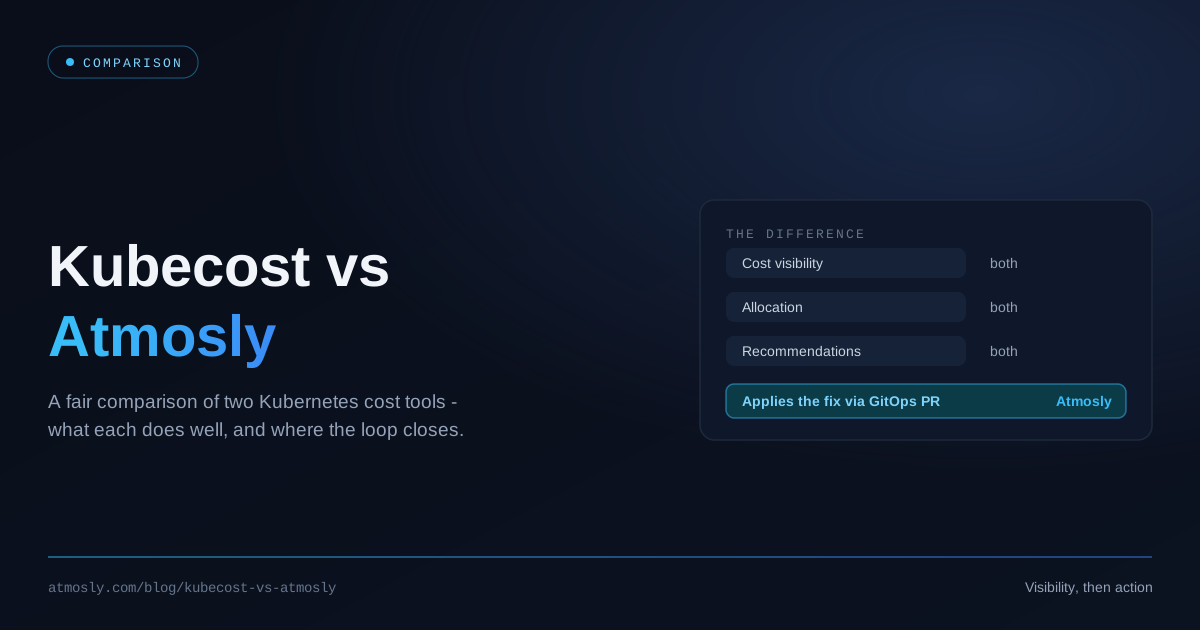
Most Kubernetes cost tools stop at a dashboard. They'll show you a breakdown of waste and leave the actual remediation to you — a separate ticket, a manual manifest edit, a hope that someone gets to it. Atmosly is built to close that loop.
Atmosly's Cost Intelligence tracks real Kubernetes spend by integrating directly with cloud provider APIs — actual costs, not estimates — and breaks it down to the namespace, service, and team level across AWS, GCP, and Azure. On top of that visibility, it generates AI-driven right-sizing recommendations that developers can apply themselves, flags idle workloads and unattached volumes, and surfaces spot and scheduling opportunities. Crucially, it turns those recommendations into action through GitOps: the fix is raised as a pull request against your manifests, reviewed like any other change, and rolled out through your existing pipeline. That's the difference between a report and an outcome. Many teams see 20–40% off their Kubernetes costs once this loop is running.
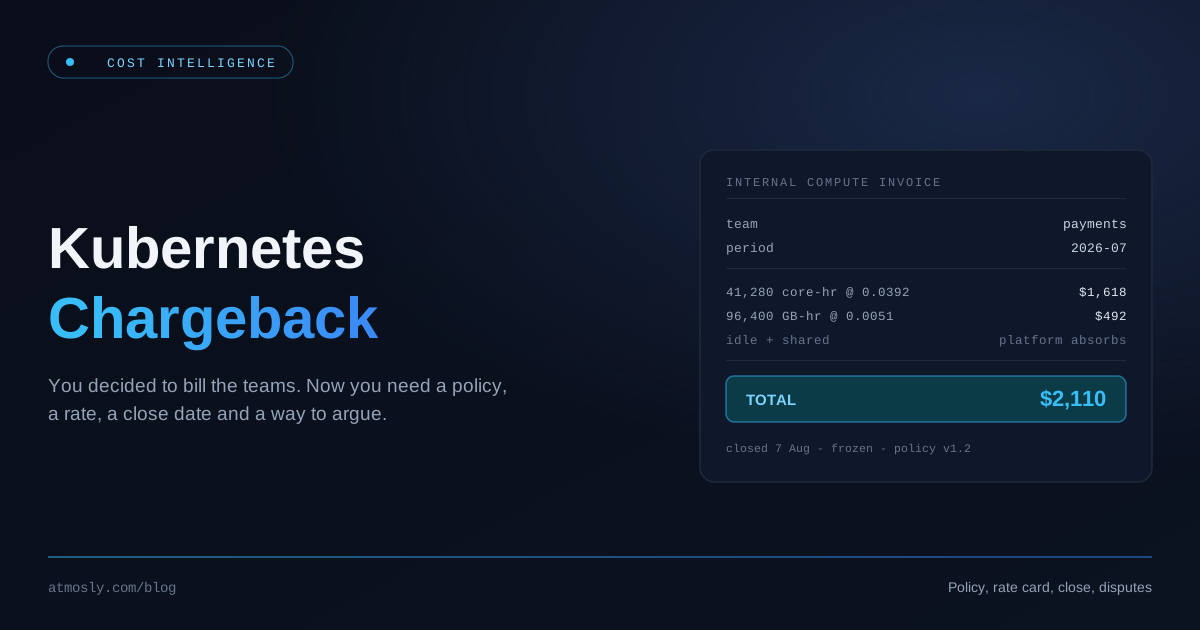
For the broader financial-operations picture, the Kubernetes FinOps guide and our breakdown of showback vs chargeback go deeper on allocation and accountability. You can also explore Atmosly Cost Intelligence directly.
Which One Does Your Team Need?
Almost certainly both — but where you start depends on where your spend lives.
- Start with the account layer if most of your cloud bill sits outside Kubernetes, if you have no account-wide budgeting discipline, or if you suspect you're paying for resources nobody is using. A free scan will tell you in minutes.
- Start with the cluster layer if a large and growing share of your spend runs in EKS, GKE, or AKS and you can't explain per-namespace cost.
The two reinforce each other: better cluster attribution makes your account-level allocation honest, and account-level budgets give your cluster optimization a target.
Key Takeaways
- Different layers, not synonyms. Cloud cost management is account-wide waste detection and financial governance; Kubernetes cost optimization is cluster-native right-sizing.
- Different questions. "Are we running things we shouldn't be?" versus "are the things we should be running sized correctly?"
- Both go blind outside their layer. Cloud tools can't see inside a shared node. Kubernetes tools can't see your RDS bill.
- Both can act — in different places. SpendZero remediates cloud resources directly; Atmosly remediates Kubernetes manifests via a reviewable pull request.
Ready to see where your Kubernetes spend is really going — down to the namespace, with fixes you can apply in a pull request? Start with Atmosly. And if you're not sure how much of your bill is even in Kubernetes, a free SpendZero scan will tell you in five minutes.