Kubernetes Cost Forecasting: Predict Your Next Cloud Bill
How to forecast Kubernetes cloud costs, avoid budget surprises, and give finance a number you can actually defend.

Connect EKS, GKE, AKS, or on-prem — with a cloud account or a single import token. Public or private, in any cloud or your own datacenter, Atmosly manages it end to end. Read-only to start, and for private clusters there's nothing to expose.
Point Atmosly at a cluster you already run. Nothing to rebuild, no workloads to move — and read-only until you decide otherwise.
Connect a cloud account for clusters with a reachable API, or generate a one-time import token for everything else.
For token or private clusters, a lightweight in-cluster agent dials out over TLS and registers — read-only by default.
Nodes, namespaces, workloads, and add-ons are discovered automatically — your fleet shows up populated.
SRE, security, cost, CI/CD, and day-2 ops all light up — public or private, the experience is identical.
For a cluster whose API server has no public endpoint, the in-cluster agent dials out — so there's nothing to expose, no bastion, and no VPN peering to set up. The same outbound path carries every operation, forever.
EKS, GKE, AKS, or on-prem. A lightweight agent runs inside the cluster — read-only by default, mutation-capable only when you opt in.
The agent initiates every connection outbound. No inbound ports opened
Connect with your cloud credentials and Atmosly reaches the cluster API directly — the fast path for clusters with a reachable endpoint.
Drop a lightweight agent into any conformant cluster with one command. Works across clouds and on-prem — no cloud account required.
No public API server? The agent's outbound tunnel carries every operation — no inbound firewall rules, bastion host, or VPN to maintain.
Import is just the start. Every capability on the platform operates on a connected cluster through the same path — and for private clusters, every action routes through the agent, so the management surface is identical whether the API server is public or not.
Detect, diagnose, and apply ranked fixes — GitOps-only with the read-only agent, or one-click apply with the ops agent.
Continuous posture scoring and drift detection against CIS, PCI DSS, SOC 2 — on every connected cluster.
Spend broken down by namespace and service, with right-sizing recommendations from real usage.
Run pipelines and reconcile ArgoCD applications — the agent applies manifests even when the API isn't publicly reachable.
Install, upgrade, and roll back signed charts — routed through the agent for private clusters, with the same guardrails.
Stream pod logs and cluster events, and exec into a pod to debug live — over the same outbound connection.
Pull from your secret manager at deploy time and inject at runtime — nothing baked into images or stored in plain text.
Scale node groups, manage add-ons, and run upgrades — all governed by the same guardrails and audit trail.
Connect, ship, and run share one UI, one audit trail, and one permissions model.
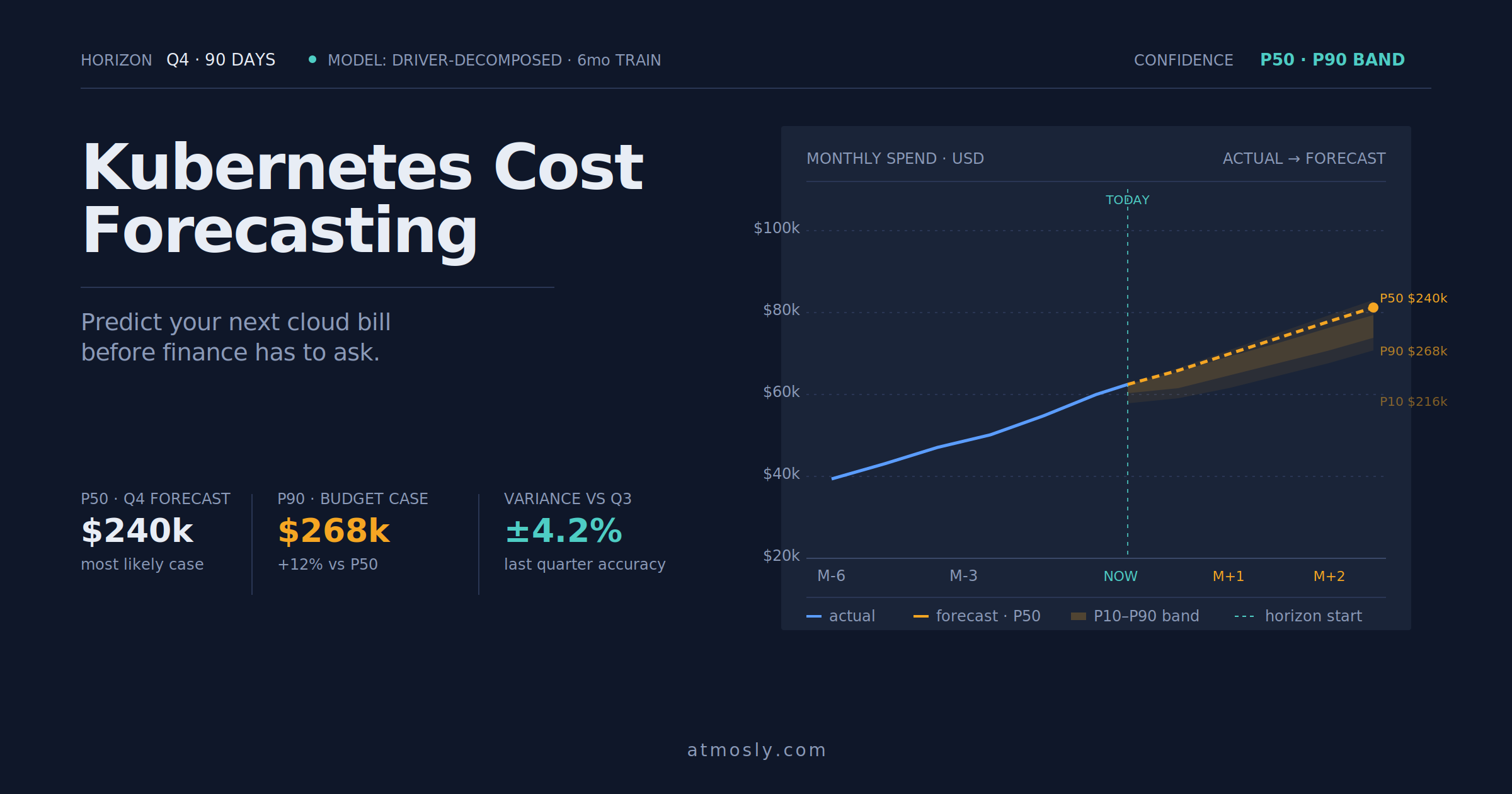 Kubernetes
How to forecast Kubernetes cloud costs, avoid budget surprises, and give finance a number you can actually defend.
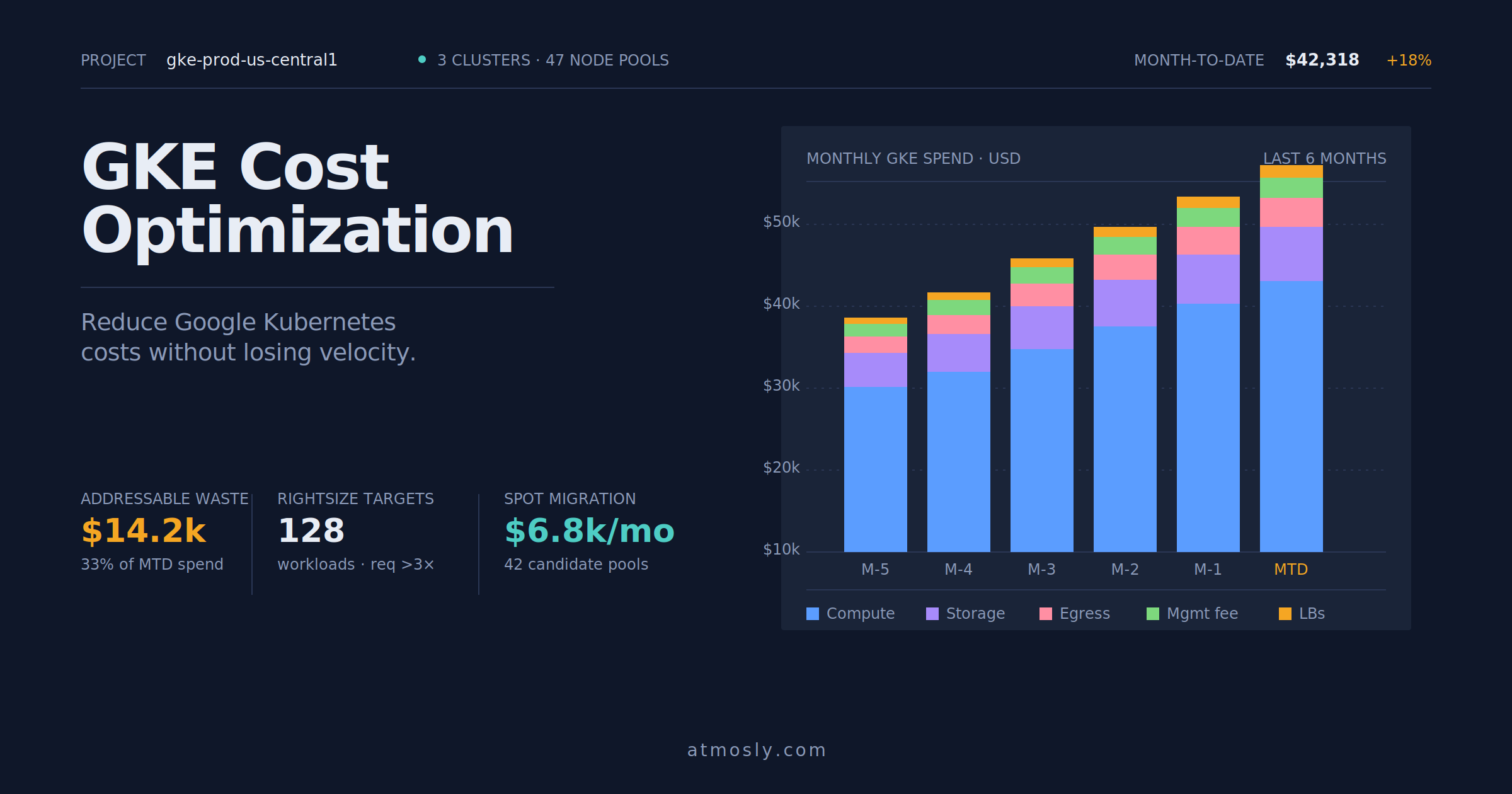 Kubernetes
Practical GKE cost optimization guide — rightsizing, Spot VMs, storage tiering, and network egress control for engineers.
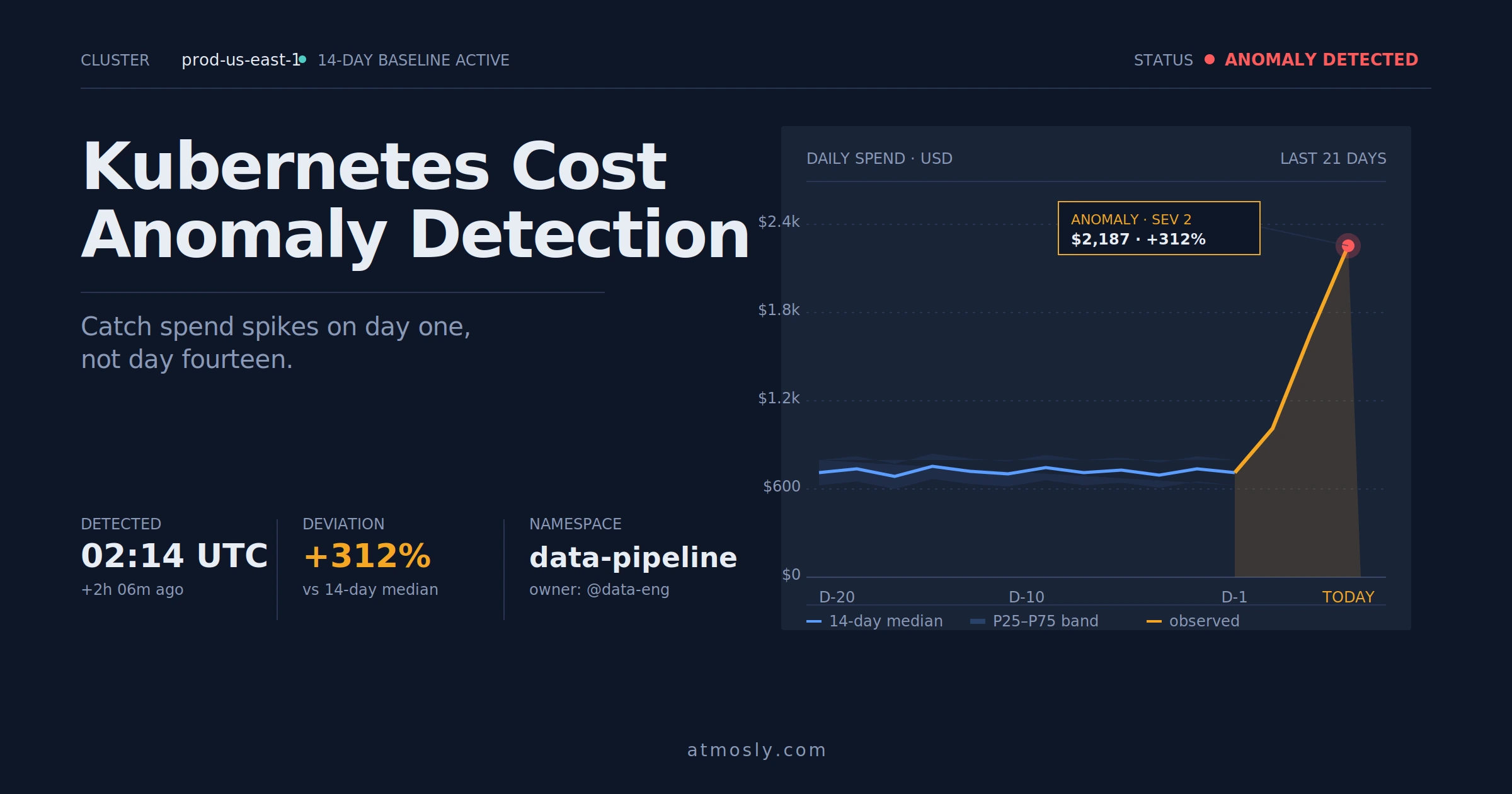 Kubernetes
How to detect Kubernetes cost anomalies early, investigate spend spikes, and stop budget surprises before they hit the bill.
Connect a cluster read-only — public, private, or on-prem. See your fleet populate and the full management surface light up in minutes. Free, no sales call.