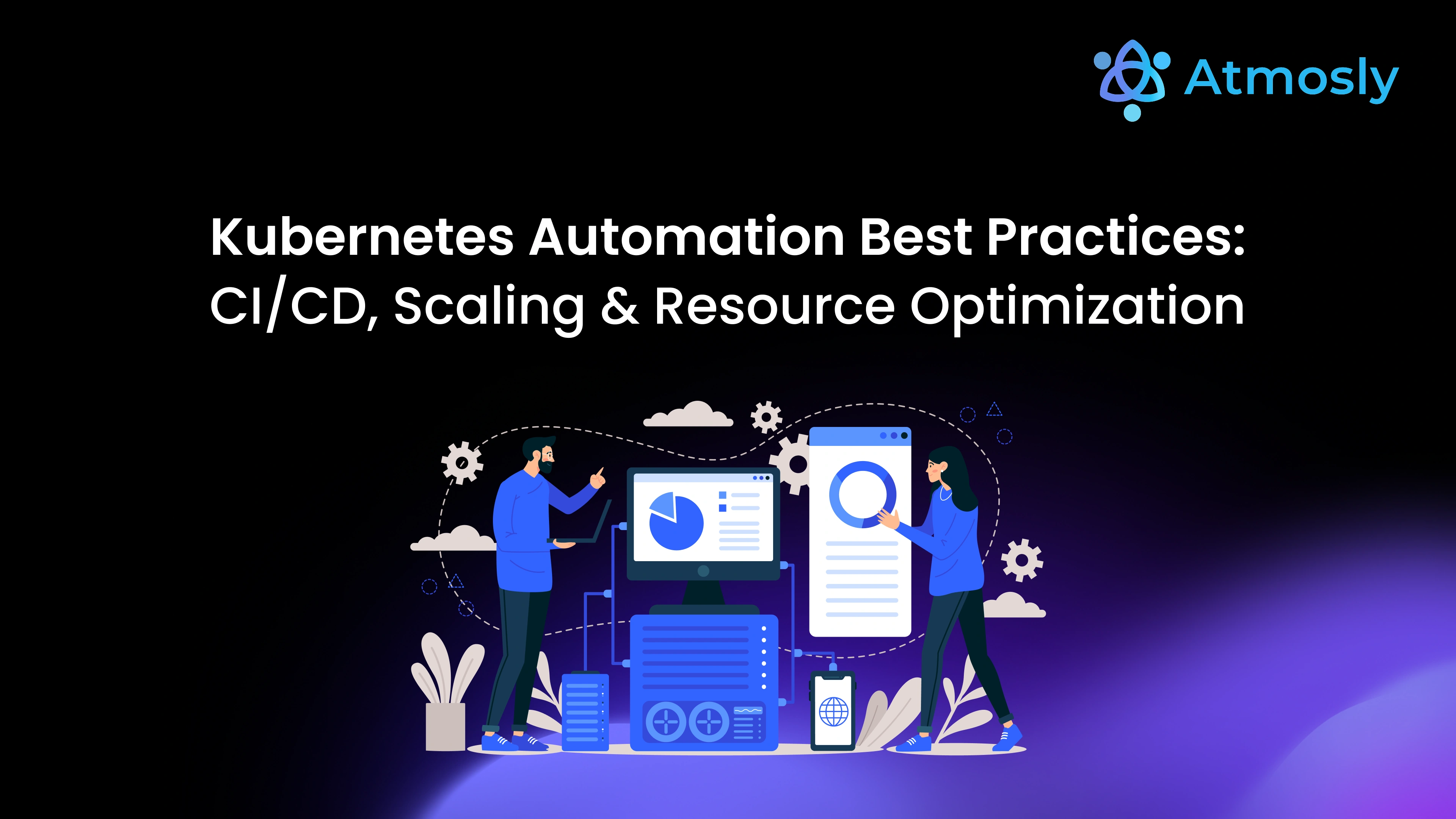
Kubernetes has become the de facto standard for deploying and managing containerized applications but managing it manually can be complex, error-prone, and inefficient.
As organizations scale across clusters and environments, automation is no longer optional it's essential for performance, cost-efficiency, and reliability.
In 2025, high-performing DevOps teams use Kubernetes automation to streamline deployments, scale applications intelligently, and optimize infrastructure resources automatically.
In this guide, we'll explore Kubernetes automation best practices across CI/CD, scaling, and resource optimization helping your teams move faster, reduce costs, and improve cluster efficiency.
Why Automate Kubernetes?
While Kubernetes simplifies container orchestration, it introduces new operational challenges especially at scale.
Teams often struggle with:
- Manual deployments that slow down release frequency.
- Poor resource utilization leading to cloud waste.
- Inconsistent configurations between environments.
- Difficulty managing multiple clusters.
Automation addresses these problems by introducing consistency, efficiency, and predictability into every part of the Kubernetes lifecycle from deployment to scaling and monitoring.
In short, automation turns Kubernetes from complex to effortless.
1. Automating CI/CD Pipelines for Kubernetes
A well-automated CI/CD pipeline ensures that your applications are built, tested, and deployed seamlessly into Kubernetes environments.
Best Practices for CI/CD Automation
a. Use GitOps for Deployment
Tools like ArgoCD and FluxCD implement GitOps principles, where Git acts as the single source of truth for deployments.
Every configuration change is tracked, version-controlled, and automatically applied.
Benefits:
- Easy rollbacks
- Full audit trail
- Declarative, consistent deployments
b. Automate Testing and Validation
Integrate automated tests at every stage of the pipeline from unit and integration to smoke and load testing ensuring reliability before deployment.
c. Container Image Scanning
Include vulnerability scanning tools (like Trivy or Clair) in your pipeline to ensure secure container images.
d. Automate Deployment Rollbacks
Use canary or blue-green deployment strategies with automated rollback policies to minimize downtime and risk.
Automation in CI/CD reduces deployment time by up to 70% and ensures consistent production environments.
2. Automating Scaling in Kubernetes
Kubernetes provides built-in mechanisms to automatically scale applications and infrastructure based on usage patterns.
Key Scaling Automation Techniques
a. Horizontal Pod Autoscaler (HPA)
HPA automatically scales pods up or down based on CPU, memory, or custom metrics.
Ideal for dynamic workloads like web apps or APIs.
b. Vertical Pod Autoscaler (VPA)
VPA adjusts resource requests and limits automatically based on actual usage data perfect for optimizing performance.
c. Cluster Autoscaler
When existing nodes can't handle new pods, the cluster autoscaler adds nodes automatically and removes them when idle.
d. Event-Driven Autoscaling (KEDA)
Use KEDA to scale workloads based on external events (like queue length or HTTP requests).
Combining HPA, VPA, and Cluster Autoscaler enables elastic scalability with zero manual intervention.
3. Automating Resource Optimization
Cloud cost management has become one of the top priorities for DevOps leaders.
Kubernetes automation helps balance performance and cost by ensuring resources are right-sized and efficiently used.
Best Practices for Resource Optimization
a. Define Accurate Resource Requests & Limits
Use data-driven analysis (via Prometheus metrics) to set appropriate CPU/memory values. Over-provisioning leads to waste, while under-provisioning causes instability.
b. Implement Resource Quotas
Prevent teams or namespaces from consuming excessive cluster resources by setting quotas.
c. Use Node Affinity & Taints
Schedule workloads strategically to balance high-performance and low-priority jobs efficiently.
d. Automate Cost Monitoring
Integrate Kubecost or CloudZero to track cluster spending, identify inefficiencies, and implement cost policies.
e. Use Spot Instances or Preemptible VMs
Integrate Kubernetes with spot instances for non-critical workloads to reduce cloud costs significantly.
Teams that automate Kubernetes resource management save an average of 30–40% in annual cloud costs.
4. Policy and Security Automation
Security should be integrated into every stage of your Kubernetes automation pipeline.
Security Automation Best Practices
- Policy-as-Code: Use Open Policy Agent (OPA) to enforce compliance automatically.
- Secrets Management: Store credentials securely using Vault, Sealed Secrets, or External Secrets Operator.
- RBAC Automation: Automate role assignments and access control for every namespace or team.
- Compliance Scanning: Integrate tools like Kyverno or Kube-bench to ensure clusters meet CIS and NIST standards.
Security automation ensures speed never comes at the cost of compliance.
5. Monitoring and Observability Automation
Automation doesn't end at deployment it continues through observability and feedback loops.
a. Unified Monitoring Stack
Deploy Prometheus, Grafana, and Loki via Helm or Operators to collect metrics, visualize data, and manage logs automatically.
b. Automated Alerting
Use Alertmanager and Datadog integrations to send real-time alerts for resource spikes or application issues.
c. Self-Healing Mechanisms
Combine observability with automation detect issues and auto-restart failed pods or roll back unstable deployments.
Self-healing clusters keep uptime high and operational effort low.
6. Best Tools for Kubernetes Automation (2025)
Category | Tools | Purpose |
CI/CD Automation | ArgoCD, Tekton, Jenkins X | Declarative deployments and workflows |
Autoscaling | HPA, VPA, KEDA, Cluster Autoscaler | Dynamic scaling based on load |
Resource Optimization | Kubecost, Prometheus, CloudZero | Cost control and performance tuning |
Security & Policy | OPA, Kyverno, Vault | Policy enforcement and secrets management |
Monitoring | Prometheus, Grafana, Loki | Observability and self-healing automation |
Adopt an automation stack that aligns with your architecture and scaling needs.
7. Common Pitfalls to Avoid
Even with automation, Kubernetes can become complex if not managed correctly.
Avoid these common mistakes:
- Over-automating before standardizing workflows
- Ignoring policy or cost constraints
- Running automation scripts without monitoring or rollback
- Mixing incompatible tools or operators
Start small automate one layer at a time, measure results, and expand gradually.
8. The Future of Kubernetes Automation
The next wave of Kubernetes automation will be driven by AI, intent-based orchestration, and predictive optimization.
Expect to see:
- AI-assisted scaling decisions based on traffic and cost predictions.
- Predictive autoscaling to preempt spikes before they occur.
- Autonomous remediation for cluster-level failures.
- Cross-cloud orchestration multi-cluster management across AWS, Azure, and GCP.
The future of Kubernetes automation isn't just faster it's intelligent.
Conclusion: Automate Smarter, Scale Seamlessly
Automation is the key to unlocking Kubernetes' full potential.
By combining CI/CD automation, autoscaling, and resource optimization, teams can achieve faster delivery, lower costs, and higher system reliability all with less manual effort. Try Atmosly Today.
The most efficient Kubernetes teams in 2025 won't be the biggest they'll be the most automated.